You can make a website without coding in a single afternoon. Three routes get you there: template builders where you fill in a fixed layout, drag-and-drop editors where you place each block by hand, and AI builders that generate a full draft from a short description of your business. None of them require HTML, and all of them publish a live, working site. The right one depends on how much you want to design versus how fast you want to launch.
This guide walks through each route honestly, including where each one slows you down. By the end you'll know which approach fits your project, and how to go from idea to published page without writing a line of code.
What "no code" actually means
No code means the tool writes the code for you. Behind every website is HTML for structure, CSS for styling, and a server to host it. A no-code builder handles all three. You work with a visual interface, a form, or a prompt, and the builder turns your input into a real, standards-compliant page.
That's the key thing to understand. The visitor who lands on your site can't tell whether you coded it by hand or built it in a drag-and-drop editor. Google can't tell either. The output is the same kind of web page. What changes is the effort on your end and how much control you have over the fine details.
So the question isn't "will a no-code site be real?" It will be. The question is which building method matches your patience, your budget, and how custom you need it to look.
The three main routes to a no-code site
There are three honest categories, and most popular tools fall into one of them. Let's compare them on the things that actually matter: speed to launch, how much you control the design, and how much thinking the tool does for you.
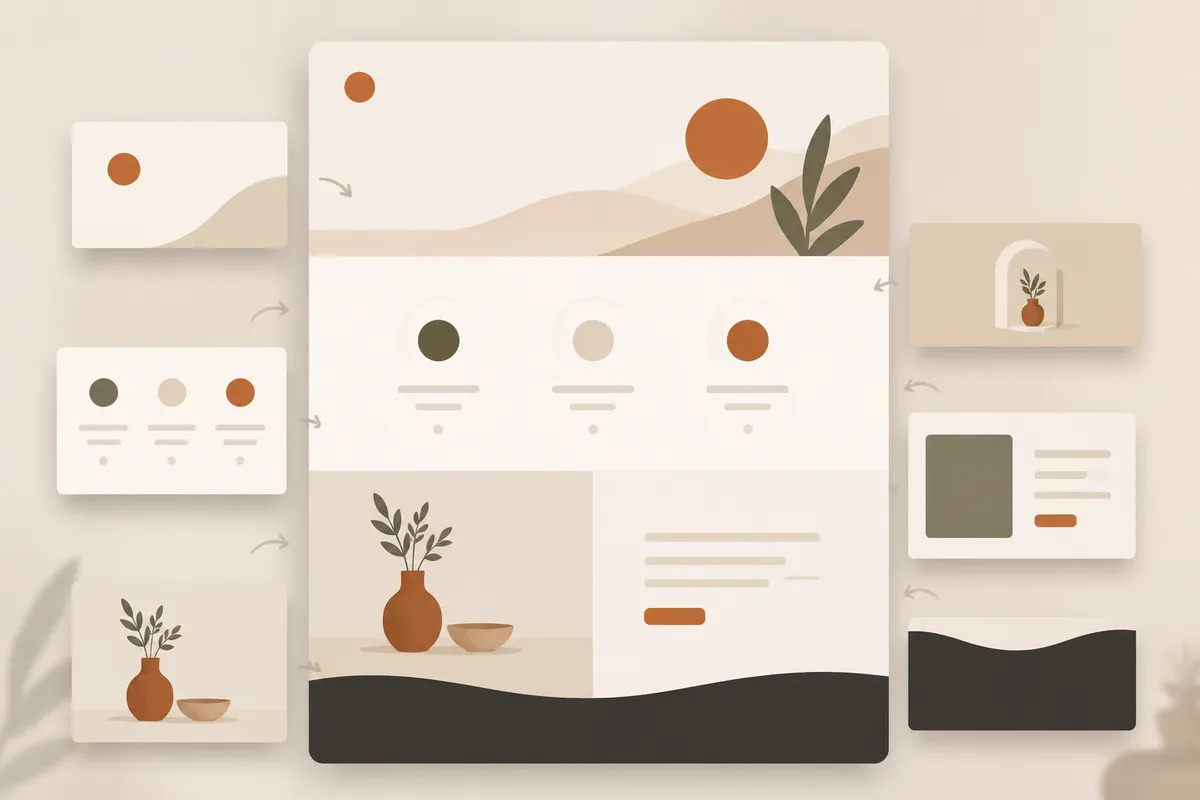
Template builders
You pick a pre-made design, then swap in your text and images. The structure is decided for you, which is both the strength and the limit.
The upside is speed and safety. Templates are built by designers, so the spacing, fonts, and color choices already look professional. You won't accidentally make something ugly. For a restaurant, a portfolio, or a simple service business, a good template gets you 80 percent of the way before you've changed a thing.
The downside shows up when your business doesn't match the template's assumptions. Maybe the layout has a big photo gallery and you sell consulting. Maybe it puts pricing front and center but you'd rather lead with testimonials. You can edit some of it, but you're working inside someone else's plan. Heavy rearranging gets frustrating fast.
Drag-and-drop editors
Here you build the page block by block. Drop in a heading, drag a button below it, add an image column, resize it. You decide where everything goes.
This is the most flexible route, and for people who like to tinker, it's satisfying. You can match a specific brand vision down to the padding. Agencies often prefer this control because clients ask for exact things.
The honest tradeoff is time and decision fatigue. A blank canvas means you're now the designer. Every choice is yours, including the ones you didn't know you had to make, like line height and mobile breakpoints. Beginners can spend hours nudging boxes and still feel the result looks slightly off. It's freedom, but freedom has a learning curve.
AI website builders
You describe your business in a sentence or two, and the builder generates a complete first draft: layout, sections, placeholder copy, and images, all arranged for you. Then you edit by prompt or by hand.
This is the newest route and, for most small businesses, the fastest path from nothing to something real. Instead of staring at a blank page or forcing your business into a template, you start with a structured draft that already reflects what you do. With Forgelo, you type a prompt describing your business and get a ready-to-publish site, then refine any section by prompt.
The catch is that AI gives you a strong starting point, not a finished mind-reader. The first draft might assume you want a services section when you'd rather have a booking form. That's fine. You edit it. The work shifts from "build from scratch" to "review and adjust," which is a much smaller job. If you want a deeper look at this approach, our guide on how to build a website with AI breaks down the workflow.
A quick comparison
To make the tradeoffs concrete, here's how the three routes stack up for a typical small business owner who isn't a designer.
- Fastest to launch: AI builder. You go from prompt to draft in minutes, then polish.
- Most control: drag-and-drop editor. Worth it if you have a specific look in mind and the time to chase it.
- Safest for beginners who like structure: template builder. Hard to make it look bad, harder to make it look like only yours.
- Best when you don't know where to start: AI builder, because it makes the first structural decisions for you.
None of these is wrong. A freelancer with a clear brand and an evening to spare might love a drag-and-drop tool. A cafe owner who just needs a clean page with hours, a menu link, and a contact form is better served by a template or an AI draft. Pick based on your situation, not on which sounds most powerful.
If you want the tool-by-tool view rather than the method, our no code website builder guide compares the 2026 options side by side, with every price read from the vendor's own pricing page and the billing terms spelled out.
How to actually build your site, step by step
Whichever route you choose, the workflow is similar. Here's the path that works.
Start by getting clear on the job your site does. Most small business sites have one main goal: get people to call, message, book, or buy. Write that goal down before you build anything. It keeps you from adding pages nobody needs. If you're not sure what a small site needs, our piece on small business website essentials covers the must-haves.
Next, gather your raw materials. Your business name, a short description of what you do, three to five things you want a visitor to know, your contact details, and a handful of photos. This is the part people skip, and it's why builds stall. The tool can't invent your phone number or your best client quote.
Now generate or assemble the structure. With an AI builder, this is where you type your prompt and review the draft. With a template, you pick the closest match. With a drag-and-drop editor, you lay out your first section.
Then edit the content to sound like you. Replace placeholder copy with real words. Be specific. "We fix leaks fast in north Austin" beats "quality plumbing solutions." Specific copy converts better and reads more human.
After that, set up your basics: a clear page title, a description, and working buttons. Make sure your main call to action does something real. A common mistake is a beautiful site where the "Contact" button goes nowhere. Builders like Forgelo can route lead forms straight to WhatsApp, so a message from your site lands in your pocket. You can see the full set of features to understand what comes built in.
Finally, check it on a phone. More than half your visitors will arrive on mobile. Look at it on your own phone before you publish. If the buttons are tiny or the text overflows, fix it now.
Then publish. Most builders give you a free subdomain so you can go live in one click and test the real thing. Connect a custom domain when you're ready to look fully professional.
Don't forget SEO from day one
A site nobody can find isn't doing its job. The good news: ranking on Google has nothing to do with whether you coded the site yourself. It's about the published result.
Three things carry most of the weight for a small site. A descriptive page title and meta description that include what you offer and where. Clean headings that tell both readers and search engines what each section is about. And fast loading, which most modern builders handle for you. A builder with built-in SEO saves you from wrestling with settings you don't understand yet.
If this is new territory, start with our website SEO basics guide. You don't need to master it before launching. You need to not ignore it. A quick title and description on each page, written for a human and including your service and location, puts you ahead of most small sites that skip it entirely.
One honest note: no builder ranks you overnight. SEO is a slow build. But getting the structure right at launch means you're not redoing it later.
What it costs and what to expect
Budget is usually the real question behind "can I do this without code?" The short answer: far less than hiring a developer.
A custom-coded site from an agency can run into the thousands. A no-code site costs a fraction of that, often a modest monthly fee that covers hosting, the editor, and updates. Many builders have a free tier to start, which is enough to publish on a subdomain and prove your idea works. For a fuller breakdown, our article on how much a website costs compares the real numbers across approaches.
Set your expectations honestly, though. No-code is brilliant for marketing sites, portfolios, service businesses, landing pages, and small online stores. If you're building a complex web app with user accounts, custom logic, and a database, you'll eventually need a developer. Most small businesses never reach that point. A clean, fast, findable page is what brings in customers, and you can build that yourself today.
If you want to see what's possible before committing, browse a few templates to get a feel for the range. Then start with whichever route matches your patience.
The takeaway
Making a website without coding is genuinely doable, and the only real decision is which route fits you. Template builders are safe and structured. Drag-and-drop editors give you full control if you have the time. AI builders get you from a blank page to a real draft fastest, which is why they suit most small business owners who'd rather run their business than fuss over padding. If that third route sounds like your speed, our AI website builder guide covers it end to end.
Pick one, gather your materials first, write specific copy, check it on your phone, and publish on a free subdomain to start. You can refine forever, but you can't get feedback on a site that isn't live. Get it out there, then improve it.