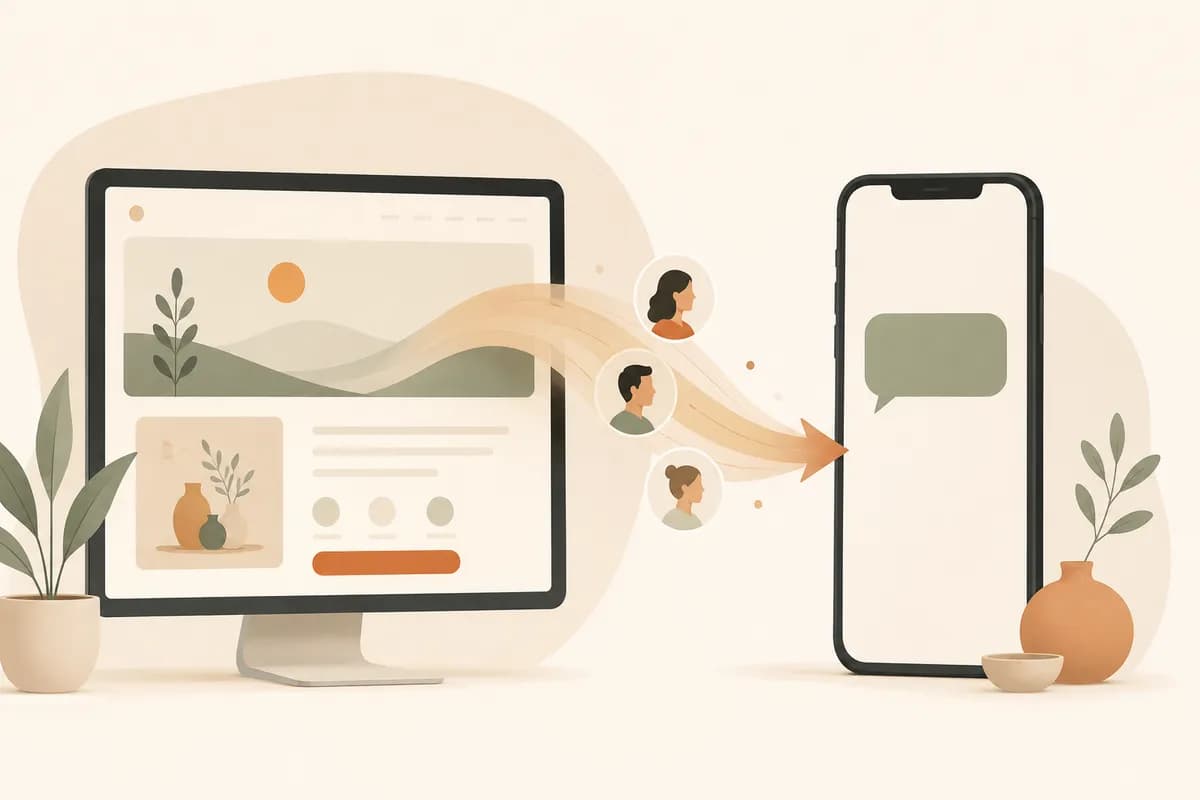
If your customers already talk to you over chat, the fastest way to capture leads on WhatsApp is a click-to-chat link that opens a conversation with your number and a short prefilled message ready to send. You add a button to your site, point it at a wa.me link, and a visitor who would have abandoned a long form taps once and starts talking. That is the whole idea. The rest of this guide is about doing it well.
The setup takes five steps:
- Create a
wa.meclick-to-chat link with your number. - Add a prefilled message so the first text writes itself.
- Place WhatsApp buttons at the decision points on your site.
- Prepare qualifying questions so replies save you time.
- Reply fast and keep the conversation habits consistent.
Most small business sites lose people at the contact form. Someone lands, likes what they see, then hits a wall of fields asking for a name, an email, a phone number, and a paragraph about their needs. They close the tab. A chat button skips all of that and meets buyers where they already are.
Why chat converts better than email forms for many small businesses
Email forms assume people want to write a formal message and wait. Chat assumes they want a quick back-and-forth, which is closer to how buying actually feels. When someone is curious about a haircut, a tutoring slot, or a sofa, they want a fast answer, not an inbox round trip.
Here is the honest version. Email forms still matter for some businesses. Agencies sending detailed proposals, B2B vendors with procurement teams, anyone who needs a paper trail. But if you sell over chat already, your website should hand visitors straight to chat instead of forcing a detour.
Chat also lowers the commitment. A form feels like an application. A message feels like a question. People ask questions far more freely than they fill out applications. That difference in friction is where extra leads come from.
There's a second reason worth saying out loud. On WhatsApp you keep the thread. When a lead replies a week later, the whole context is right there. No digging through a CRM, no "remind me what you asked." The conversation is the record.
Set up your click-to-chat link the right way
The mechanics are simple and free. WhatsApp supports a public link format that opens a chat with you. You do not need an app, a plugin, or an API to start.
The base format is:
https://wa.me/<full phone number in international format>
So a US number written as +1 (555) 123-4567 becomes https://wa.me/15551234567. No plus sign, no spaces, no dashes, no leading zeros. Just the country code and the number, glued together.
Add a prefilled message
A blank chat puts the work on the visitor. A prefilled message removes that. You add a text parameter to the link:
https://wa.me/15551234567?text=Hi%2C%20I%20saw%20your%20site%20and%20want%20a%20quote
Spaces become %20 and a comma becomes %2C when the text is encoded. The visitor sees a ready-to-send message, taps send, and you are talking. Keep the prefilled text short and specific to the page. A pricing page can prefill "Hi, I want pricing for the Pro plan." A booking page can prefill "Hi, I'd like to book an appointment." That tiny bit of context tells you what they came for before they type a word.
If you build your site with an AI website builder, this is usually a one-line setup. You drop in a button, paste the link, and you are done. Forgelo can route lead form submissions straight to WhatsApp too, so a visitor who prefers a structured form still lands in the same chat inbox. You can see how that works on the features page, and the how it works walkthrough shows the build flow end to end.
Where to place your WhatsApp CTAs
A button nobody sees does nothing. Placement matters more than people expect. Spread your call to action so a ready buyer never has to scroll back up to find it.
Put one in the hero, right under your headline, so the offer and the action sit together. Repeat it next to prices or service descriptions, because that is the moment a question forms. Add one at the very bottom for the people who read everything before deciding. And consider a small floating chat button that stays put as the page scrolls, as long as it does not cover your text or trap mobile readers.
Label the button so it sets expectations. "Chat with us on WhatsApp" beats a bare icon. People should know they are starting a real conversation, not signing up for anything. If you are still planning your page structure, our guide on small business website essentials covers where these elements belong on the page.
One caution. Do not stack five identical buttons in a row. Three or four well-placed CTAs across a page is plenty. More than that reads as desperate and clutters the design.
Write prefilled messages and qualifying questions that save you time
Good chat sales is mostly about asking the right thing early. You want to qualify without sounding like an interrogation. The prefilled message starts the thread; your first reply does the qualifying.
A short list of qualifying questions keeps your replies fast and consistent. For a service business, that is usually three things: what they need, when they need it, and roughly what they expect to spend. You do not have to ask all three at once. Lead with the warmest one.
Here is the rhythm in practice. Lead opens the chat with your prefilled "Hi, I want a quote." You reply, "Happy to help. What are you looking for, and when do you need it?" They answer. You give a price range or a next step. Three messages in, you know if this is a real lead or a tire-kicker, and you have spent two minutes, not twenty.
Keep a few saved replies for the questions you get constantly. Prices, availability, location, delivery times. Pasting a clear answer in five seconds beats typing the same thing for the hundredth time, and it keeps your tone steady when you are busy.
Three concrete examples
Theory is easy. Here is what this looks like for real businesses.
A salon
A salon's pricing page has a button: "Book on WhatsApp." It points to https://wa.me/<number>?text=Hi%2C%20I'd%20like%20to%20book%20a%20cut%20and%20color. A visitor taps it, the message is already written, and the receptionist replies with two open slots. No phone tag, no missed calls during a blow-dry. The whole booking happens in four messages, and the thread becomes the appointment record.
A tutor
A private tutor lists subjects and levels on one page, each with its own button. The math button prefills "Hi, I'm asking about math tutoring for my son in grade 9." When the parent messages, the tutor already knows the subject and level, so the first reply can be about availability and rates instead of basic questions. That saves a full round of back-and-forth and makes the tutor look organized.
A furniture seller
A small furniture shop sells sofas that need delivery quotes. Instead of a long form asking for address, dimensions, and budget, the product page has a "Get a delivery quote on WhatsApp" button. The prefilled message names the product. The seller asks for a postcode, sends a quote, and shares a photo or two right in the chat. Photos in WhatsApp close furniture sales that a static form never could.
Notice the pattern. The prefilled message carries context, the first reply qualifies, and the medium itself (photos, voice notes, fast replies) does work a form cannot.
Build response-time habits
A chat channel sets an expectation, and the expectation is speed. If you open a WhatsApp door on your site, you have to answer it. A button that leads to a 24-hour silence is worse than no button, because it teaches people you are slow.
You don't need to be online every minute. You need to be honest about timing. Set an away message during off hours: "Thanks for messaging. We reply between 9am and 6pm, usually within the hour." That manages expectations and keeps leads from feeling ignored. During working hours, aim for minutes, not hours. The faster you reply, the warmer the lead stays.
If WhatsApp leads pile up faster than one person can handle, that is a good problem. Use labels to sort new from in-progress, and clear new chats first. The lead who just messaged is more likely to buy than the one you have been chasing for a week.
Avoid spammy patterns
WhatsApp is a personal space, and people protect it. One report-and-block hurts more than a cold email ever would. So play it clean.
Message people who messaged you first. Do not scrape numbers and blast offers. Do not send daily promotions to someone who asked a single question. Answer what was asked, confirm the next step, and stop when the conversation is done. If a lead goes quiet, one polite follow-up is fine. A second is pushing it. A third is spam.
Keep your prefilled messages honest too. Do not write the visitor's message as if they begged for a hard sell. A simple, neutral "Hi, I want more information" respects the person and reads better when it lands in your inbox. Trust is the whole asset here, and it is easy to spend and hard to earn back.
How this fits the rest of your site
A WhatsApp button is one piece. It works best on a site that is fast, clear, and easy to find. If your page loads slowly or buries the offer, no button saves it. Good basics come first, then the chat link converts the interest you have earned.
Search visibility helps fill the top of this funnel, so the website SEO basics guide is worth a read once your chat flow is set. And if you are starting from scratch, how to build a website with AI walks through getting a clean, fast page live without hiring a developer. You can browse ready layouts on the templates page, and the pricing page shows what publishing to your own domain costs.
Plain takeaway
If you sell over chat, send your visitors to chat. Add a wa.me button with a short prefilled message, place it in the hero, near your prices, and at the bottom, and reply fast during working hours. Ask three quick qualifying questions, keep saved replies for the common stuff, and only ever message people who reached out first. That is a lead capture system you can set up this afternoon, and it tends to convert better than a contact form for the kind of buyers who would rather talk than fill in boxes.