
Short answer: Bolt is not a true no-code website builder. It writes a real application codebase that you deploy and maintain. That is excellent for developers building custom software, but heavier than most small businesses need for a marketing site. This review compares Bolt and Forgelo on editing, SEO, hosting, maintenance, and price.
Bolt AI website builder is one of the most talked-about AI tools of the last two years, and most of the praise is deserved. Type a prompt, watch Bolt write real code in your browser, and a few minutes later you have a working web application. The catch, and it is a big one for business owners, is that Bolt is fundamentally a developer tool. This review looks at what Bolt genuinely does well, where it struggles when all you want is a business website, and how a purpose-built option like Forgelo compares.
Quick summary if you are short on time. If you want to build custom software, a dashboard, a booking system, an internal tool, Bolt is excellent and you should try it. If you want a website for your business that gets found on Google and turns visitors into inquiries, Bolt will get you there the long way around, and you will own every technical problem that comes with it.
Is Bolt a no-code website builder?
Short answer: no, and this is the single most expensive misunderstanding people have about it.
Bolt looks no-code because the entry point is a prompt box. You type a sentence, you get a working site, and nobody asked you to open a terminal. But what Bolt actually produces is a real codebase, and that is the part that decides whether the tool fits you. A genuine no-code website builder never shows you a file tree, because there is nothing in it you are expected to touch. Bolt shows you the files on purpose, because touching them is the point.
Here is the practical test. Ask what happens on the day something breaks. With a no-code builder, you describe the problem and the platform fixes it, or support does. With Bolt, a broken build is your broken build. The fix lives in a file, and somebody has to read it.
So Bolt sits in an awkward middle: no-code to start, full-code to maintain. That is a great trade if you can read code and want the ceiling removed. It is a poor trade if you searched for a Bolt website builder because you wanted to stop thinking about code entirely.
| Question | Bolt | A true no-code builder |
|---|---|---|
| How do you start? | Prompt | Prompt |
| What do you get? | A codebase you own | A hosted, finished site |
| Who fixes a broken page? | You, in the code | The platform |
| Do you need hosting? | Yes, you deploy it | No, included |
| Ceiling on what you can build | Effectively none | Website-shaped things |
What is Bolt and who is the Bolt AI website builder for?
Bolt, found at bolt.new and built by the team at StackBlitz, is an AI agent that writes and runs code directly in your browser. You describe what you want in plain language, and Bolt scaffolds an actual project: real files, real components, a real framework like React underneath. You can watch the code appear, open any file, and change it by hand or by prompt.
That architecture is the whole story of this review. Bolt does not give you a website the way a traditional builder does. It gives you a codebase. For developers and technical founders, that is the dream: full control, no template ceiling, and the ability to build things no drag-and-drop tool could ever produce. Bolt also connects to services developers already use, with deployment handled through integrations and databases wired up through tools like Supabase.
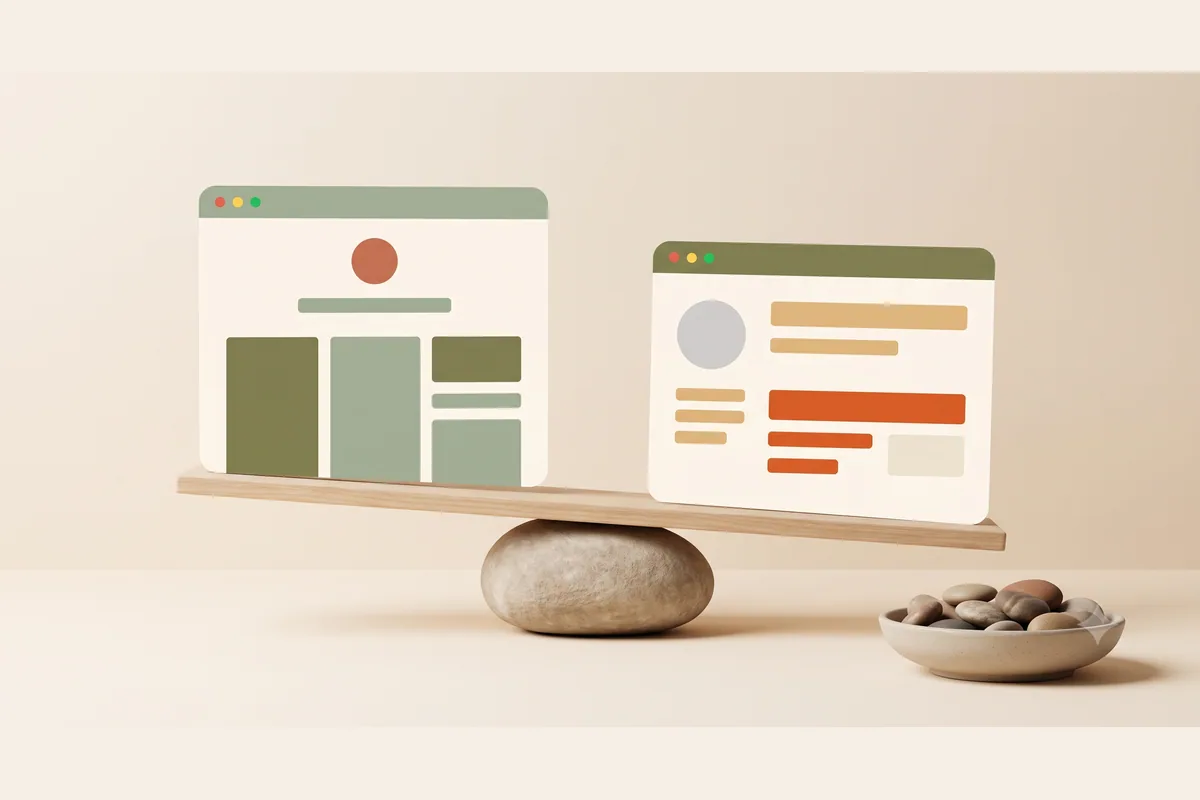
Search interest reflects this split personality. People looking up "bolt new ai website builder" are often small business owners who heard Bolt can make websites, which is true. What the marketing clips rarely show is what happens in week two, when you need to change your opening hours and you are staring at a folder full of code.
What Bolt does well
Credit where it is due, because Bolt earns a lot of it.
First, the generation experience is genuinely impressive. Watching an app assemble itself from a sentence still feels like a magic trick, and the output is real, editable code rather than a locked black box. For prototyping, Bolt is arguably the fastest way in existence to go from idea to something clickable.
Second, flexibility. Because Bolt writes code, there is almost no ceiling. Custom calculators, multi-step forms, user accounts, data dashboards, whole SaaS products. If you can describe it and you are willing to iterate, Bolt can usually build a version of it. No conventional website builder comes close here.
Third, ownership. The code is yours. You can export it, host it anywhere, hand it to a developer, or keep building on it. For anyone worried about platform lock-in, that is a real and legitimate advantage.
Tip: If you are a freelancer or agency that builds custom web apps for clients, Bolt belongs in your toolkit regardless of what you use for marketing sites. Treat it as a rapid prototyping engine, then harden the output like any other codebase.
Fourth, the community and pace of improvement. Bolt ships updates constantly, and the ecosystem of tutorials and templates around it grows every month. It is a tool with momentum.
Where the Bolt AI website builder falls short for business sites
Now the honest part, and here is my contrarian take up front: code access, Bolt's headline feature, is the single biggest reason most small business owners should avoid it. What a developer calls control, a busy cafe owner calls unpaid IT work.
The problems show up in a predictable order.
Maintenance lands on you. Bolt hands you an application, and applications need care. Dependencies age, integrations change, and a small bug can take a page down. There is no support team responsible for keeping your site healthy, because the site is your codebase, not their product.
Error loops burn time and tokens. When Bolt misunderstands a prompt, it sometimes fixes one thing and breaks another, and each retry consumes tokens from your allowance. Developers shrug this off. Non-technical users can get stuck in a loop where they cannot tell whether the AI or their prompt is the problem.
Costs are metered, not flat. Bolt's official pricing page lists Pro at $25 per month with 10 million monthly tokens at the time of writing. That sounds comparable to a website builder subscription until a heavy editing week eats your allowance. Budgeting is guesswork in a way that a flat fee never is.
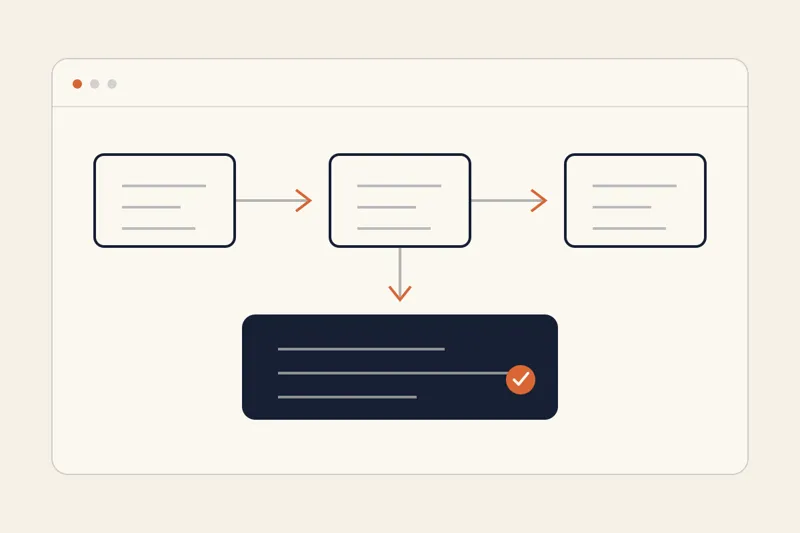
The business plumbing is missing. A small business site needs SEO fundamentals, fast hosting, a domain connected without drama, and a lead path that actually reaches you. In Bolt, every one of those is a task you set up and verify yourself. None of it is hard for a developer. All of it is friction for an owner who just wants inquiries.
If you are still mapping the options, our guide to AI website builders versus web designers covers the outsourced route, while building a website without code shows the gentler DIY path.
Bolt pricing: what the token model means for you
Bolt offers a free tier with limited daily usage, which is genuinely useful for testing the experience. Paid plans scale by token allowance rather than by features, and this is the part worth slowing down on.
Tokens are consumed every time the AI reads, writes, or fixes code. A simple site generated in a few prompts costs little. A site you keep revising, or a project where the AI gets stuck and retries, consumes far more. Two users on the same plan can have completely different experiences of whether Bolt feels cheap or expensive.
For a developer shipping client prototypes, that trade is fine and often great value. For a business owner planning to tweak their site every week for years, a metered model is the wrong shape of cost. You want your website bill to be boring.
Note: Pricing details for any SaaS tool change over time. Check Bolt's current plans before committing, and do the math on how often you realistically expect to edit your site per month.
Bolt vs Forgelo: a quick comparison
Forgelo approaches the same promise, describe your business and get a website, from the opposite direction. Instead of generating code for you to manage, Forgelo generates a finished, hosted website that is ready to publish in a few minutes, then lets you change anything by typing what you want changed.
| Factor | Bolt | Forgelo |
|---|---|---|
| What you get | An application codebase | A finished, hosted business website |
| Time to a live site | Hours to days, depending on skill | A few minutes to a publishable site |
| Editing | Prompts plus hand-editing code | Type the change, it happens |
| Hosting and domain | You configure via integrations | Included, free subdomain or custom domain |
| SEO | You implement it | Built in |
| Lead capture | You build and wire it | Forms go straight to your WhatsApp |
| Pricing model | Token allowances, Pro starts at $25/mo | Flat $9, $19, or $39 per month |
| Best for | Custom apps, prototypes, developers | Business websites, owners, agencies |
The lead handling difference deserves a highlight. Most small businesses live in their chat apps, not in a CRM. Forgelo's forms deliver inquiries directly to WhatsApp, where you already reply to customers, and agencies can run every client site from one dashboard, with full white-label delivery on the roadmap. Plans are flat at $9, $19, and $39 per month, so the bill in month twelve looks like the bill in month one. You can see the details on the pricing page.
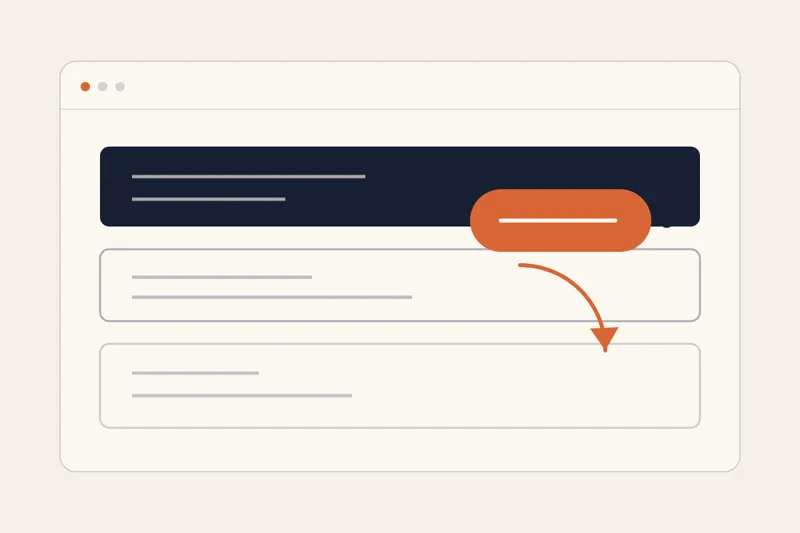
Tip: A fair test costs you one afternoon. Generate your site in both tools, then attempt the same three edits in each: change your headline, add a service, update your contact details. The tool that makes those edits feel effortless is the one you will still be using next year.
Who should pick Bolt, and who should pick Forgelo
Pick Bolt if any of these sound like you:
- You are building software, not just a website: user accounts, dashboards, custom logic.
- You can read code, or you have someone who can.
- You are prototyping a product idea and want maximum flexibility.
- You enjoy tinkering and consider maintenance part of the fun.
Pick a managed AI website builder like Forgelo if this is you instead:
- You run a business and the website is a means to an end: visibility and inquiries.
- You want edits to take minutes, not sessions.
- You want SEO, hosting, and lead capture handled without setup.
- You are an agency shipping many client sites and need one dashboard to run them all.
If you are still mapping the landscape, our comparison of AI website builders vs hiring a web designer covers the broader decision, and our walkthrough on how to build a website with AI shows the managed route step by step.
The takeaway
Bolt is a superb AI development tool wearing a website builder costume in some of its marketing. Judged as a dev tool, it is one of the best things to happen to prototyping in years. Judged as a way for a business owner to get a website that ranks, loads fast, and sends leads to their phone, it is a detour: powerful, educational, and considerably more work than the job requires.
Match the tool to the job. If the job is custom software, Bolt earns its tokens. If the job is a business website that quietly wins you customers while you run the actual business, a builder made for that purpose will serve you better, cost you less, and never ask you to open a code editor.